
App screen guide
How to Read a BDG Win-style App Screen
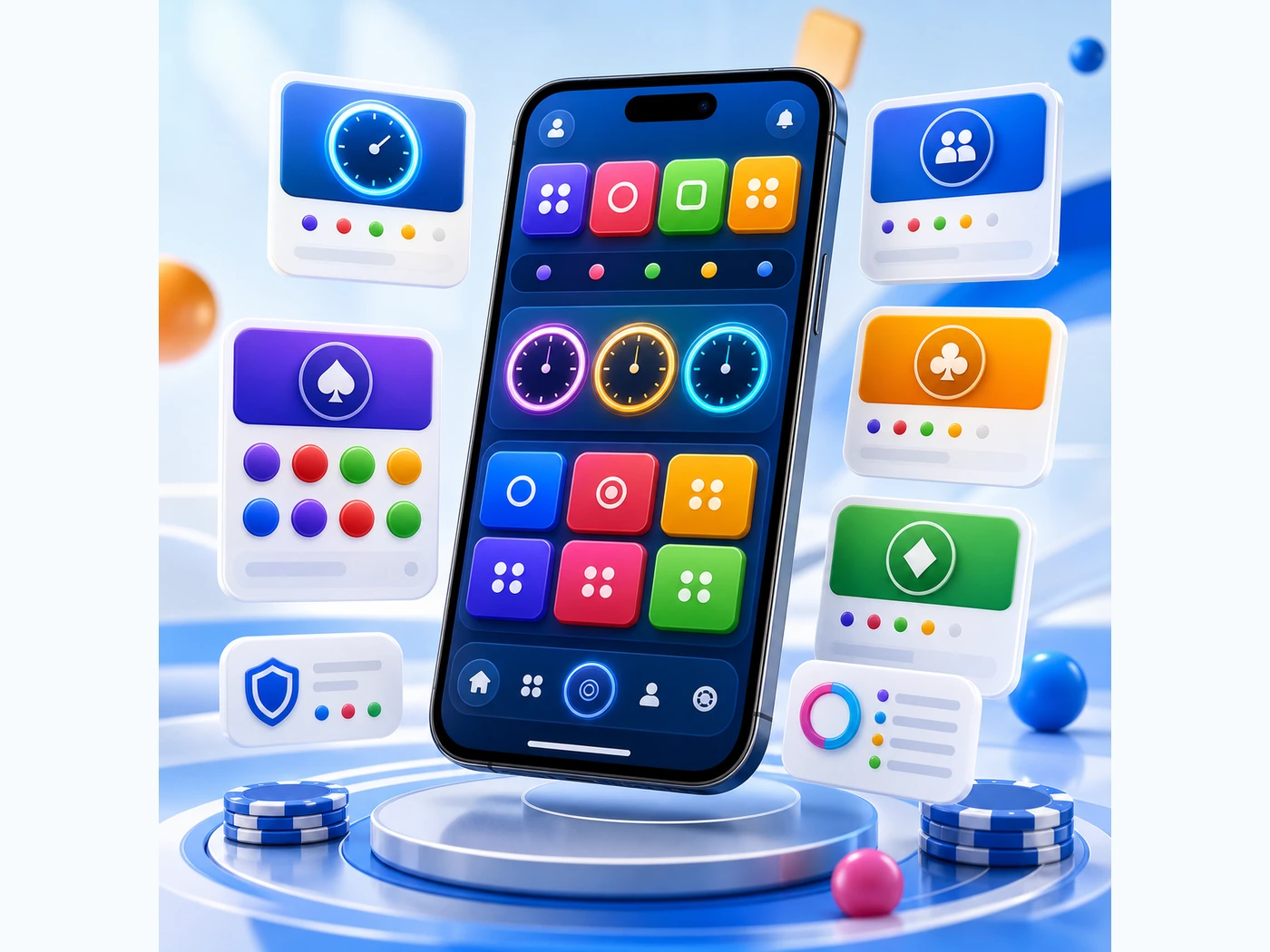
Modern mobile layouts use bright cards, quick prompts, and compact timers. Check each part before you continue.
Start with the card you touched
A rounded card may show a room name, icon, colour marker, and timer badge. Check that the card still matches the room you meant to view after any refresh.
Read prompt panels slowly
Prompts can appear after login checks, network delay, or room movement. Read the full message and avoid sharing private details through unfamiliar forms.
Do not treat colour as certainty
Colour panels are visual screen states. They are not promises, forecasts, or instructions.
BDG Win Games does not run paid games, collect money, process transfers, or provide account operation support.